What Is an Email Builder?
Creating professional emails shouldn't require you to be an HTML developer.
Whether you're creating a newsletter, promotional campaign, product announcement, or business email, an email builder can make the design process faster and easier.
Instead of manually writing HTML and CSS for every email, a visual email builder allows you to create layouts, add content, customize your design, and prepare responsive emails through an easier editing workflow.
In this guide, we'll explain what an email builder is, how it works, what features you should look for, and how businesses can use email builders to create better email campaigns.
What Is an Email Builder?
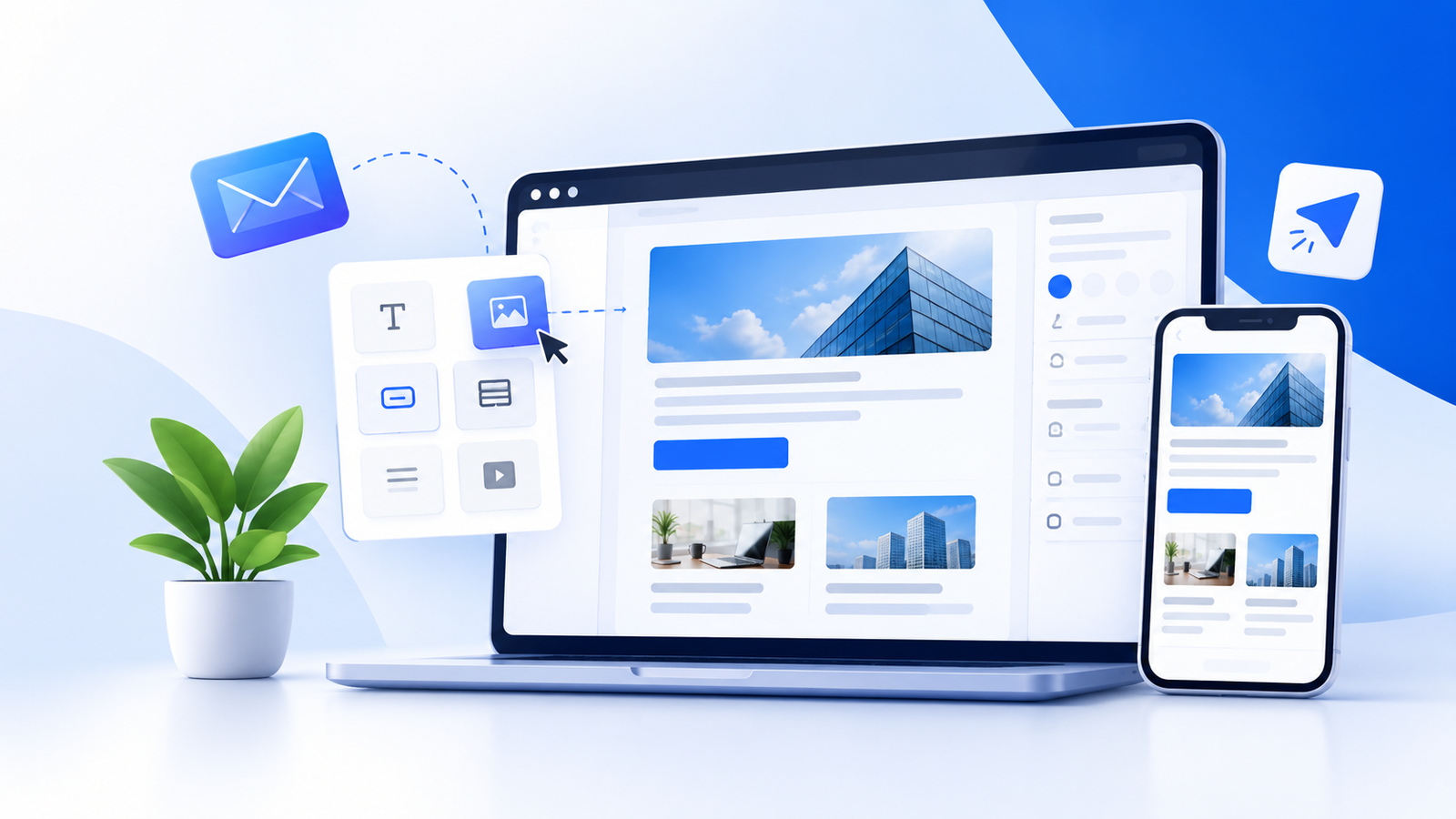
An email builder is a software tool that allows users to create professional email designs using a visual editor rather than manually coding every part of an email.
Depending on the platform, an email builder can provide features such as:
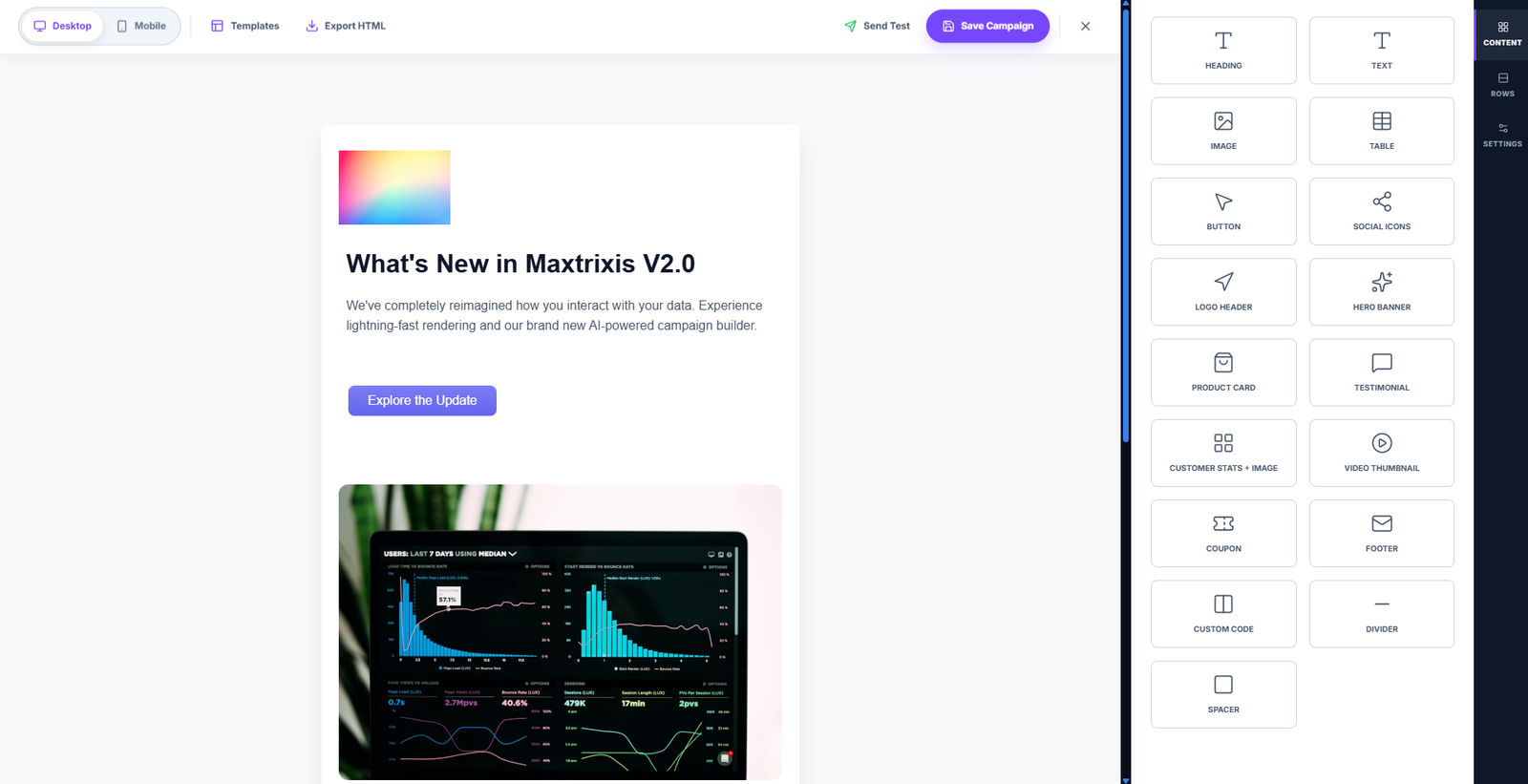
Drag-and-drop content blocks
Email templates
Text and image sections
Buttons and calls to action
Columns and layouts
Custom fonts and styling
Responsive design
Email previews
Reusable content sections
For marketers and businesses, this can make email creation significantly easier than building every campaign from raw HTML.
Looking for a visual solution? Explore the Maxtrixis Email Builder.
How Does an Email Builder Work?
Most visual email builders follow a straightforward process.
1. Choose a Template or Start From Scratch
You can start with a pre-designed email template or create your own layout.
Templates are useful for common campaigns such as:
Newsletters
Promotions
Product announcements
Welcome emails
Event invitations
Business communications
2. Add Your Content
Add the information you want your audience to see.
This can include:
Headlines
Paragraphs
Images
Buttons
Links
Product information
Promotional content
3. Customize Your Design
Once your content is added, customize the design to match your brand.
Common customization options include:
Typography
Colors
Spacing
Images
Buttons
Backgrounds
Content alignment
Section layouts
4. Preview Your Email
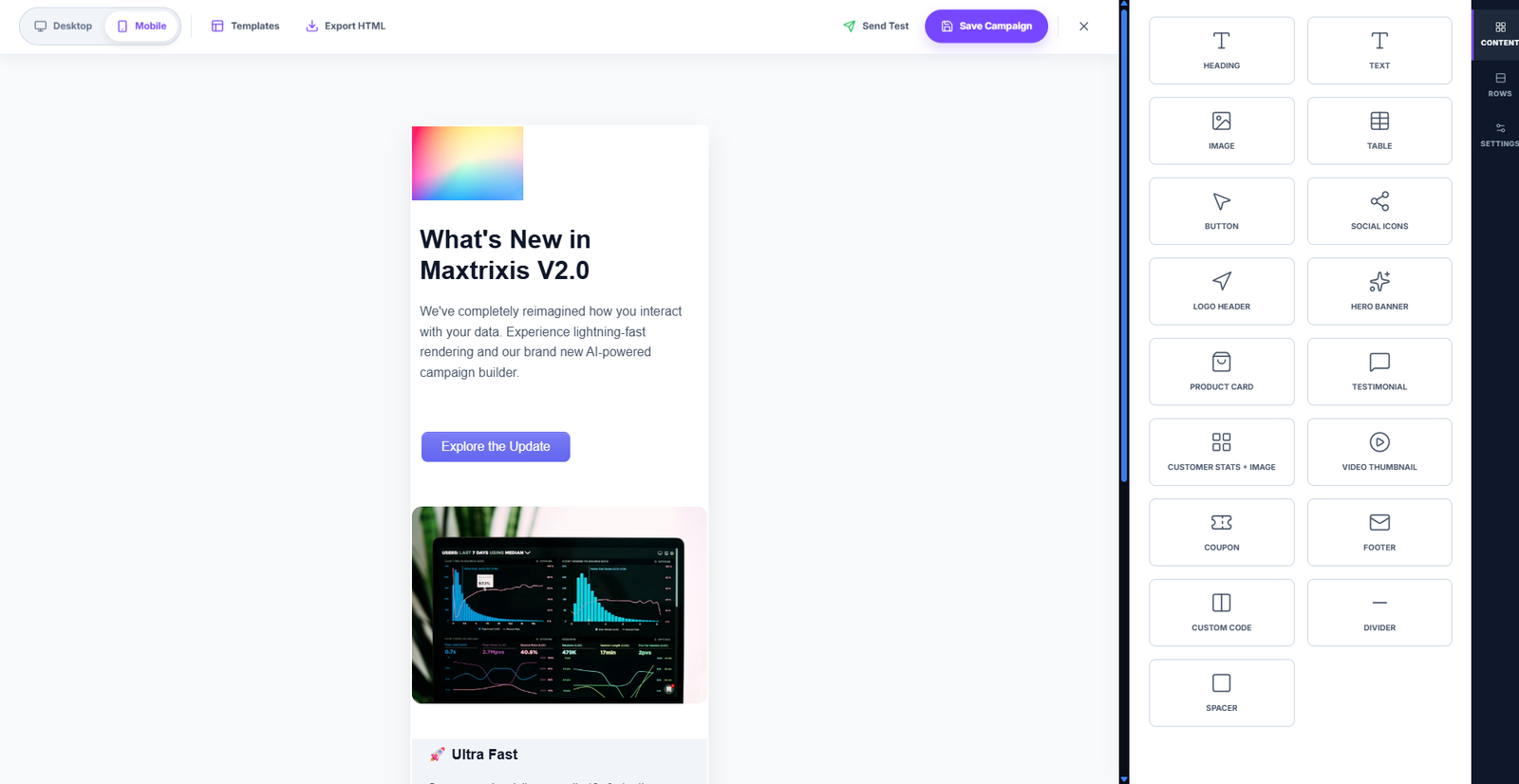
Before using an email in a campaign, review the design on different screen sizes.
A responsive design is particularly important because emails can be viewed on desktop computers, tablets and smartphones.
5. Use the Email in Your Campaign
After your design is complete, the finished email can be incorporated into your email marketing workflow according to the capabilities of your email platform.
Why Use an Email Builder?
Creating HTML emails manually can take time, particularly when you need responsive layouts and consistent designs.
An email builder can simplify the process by giving marketers a visual way to create and update emails.
Save Time
Instead of creating every email from an empty HTML document, teams can work with templates and reusable design elements.
This can reduce the time required to produce new campaigns.
Reduce the Need for Coding
Not every marketer knows HTML and CSS.
A visual drag-and-drop email builder allows non-technical users to work with email layouts without manually writing every section of code.
Maintain Consistent Branding
Businesses often need their emails to follow consistent brand guidelines.
Reusable templates can help maintain:
Logo placement
Colors
Typography
Layout
Calls to action
Visual style
Create Responsive Emails
Modern audiences use different devices to read emails.
A responsive email design helps your content adapt to different screen sizes and provides a better reading experience across devices.
What Features Should an Email Builder Have?
Not every email builder provides the same capabilities.
When evaluating an email builder, consider the features that are important to your workflow.
Drag-and-Drop Editor
A drag-and-drop interface allows users to create email layouts visually.
Instead of manually positioning every element through code, users can work with content blocks and arrange them within the email.
Email Templates
Templates provide a starting point for your campaigns.
A good template system can help businesses create newsletters, promotional campaigns, announcements and other communications more efficiently.
Related: Explore our Email Template Builder once this product page is live.
Responsive Design
Your email should be readable and usable on different screen sizes.
Look for an email builder that supports responsive layouts and allows you to preview your design before using it.
Content Blocks
Reusable content blocks can make email creation faster.
Examples include:
Text
Images
Buttons
Dividers
Columns
Headers
Footers
Preview and Testing
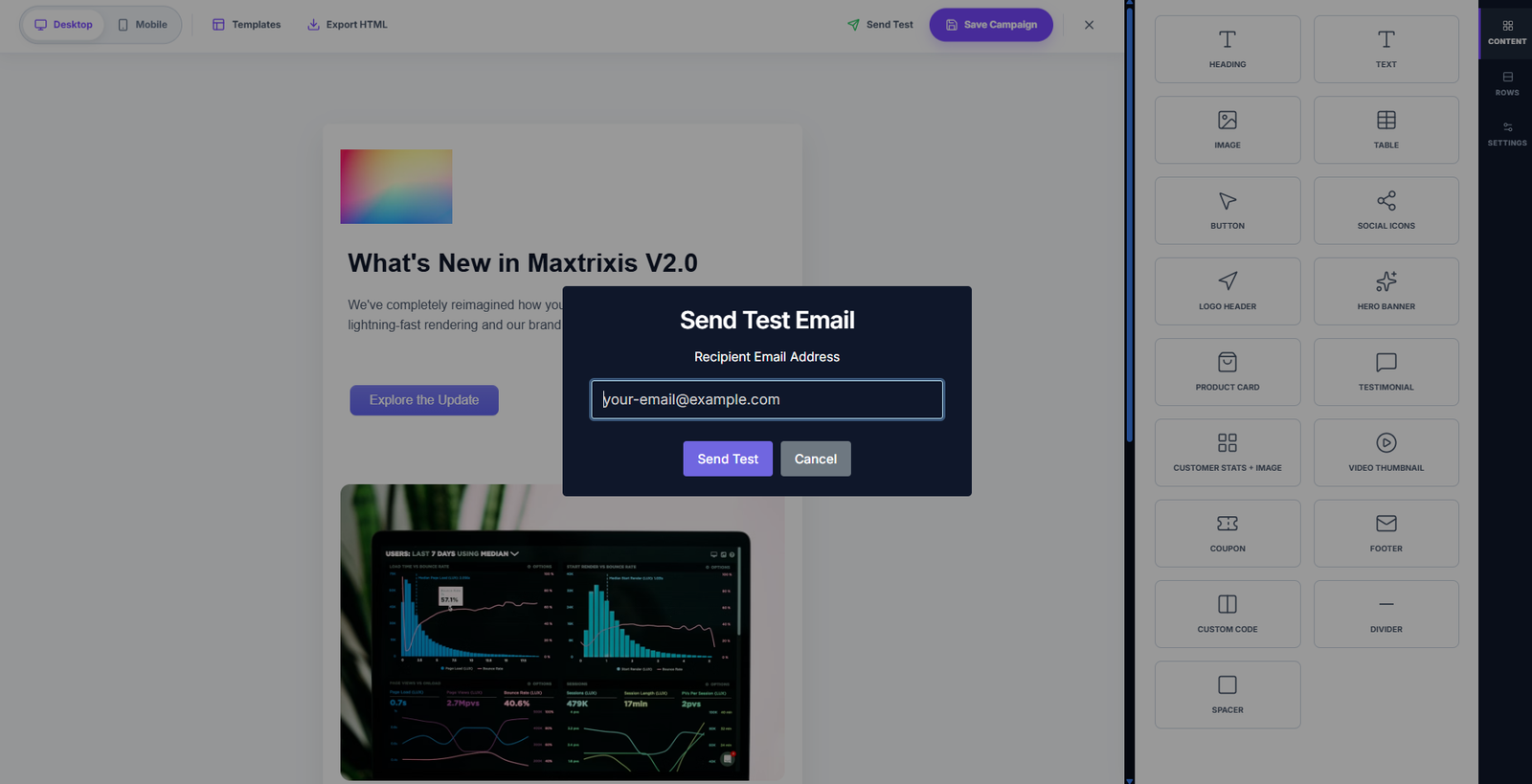
A preview feature allows you to review your email before sending it.
This can help identify layout problems, incorrect spacing, missing images or broken links.
Email Builder vs. Coding an Email From Scratch
Businesses generally have two approaches to creating HTML emails.
Manual HTML Coding
Developers can build emails directly with HTML and CSS.
This provides significant control but requires technical knowledge and can require more development and testing time.
Visual Email Builder
A visual email builder provides a more accessible way to create email layouts.
Instead of manually coding the entire email, users can work with visual components and templates.
For marketing teams that frequently create campaigns, this can make the workflow more efficient.
The right approach depends on your team's requirements, technical resources and desired level of customization.
What Is a Drag-and-Drop Email Builder?
A drag-and-drop email builder is a type of email builder that allows users to create layouts by selecting content elements and placing them where they want them in the email.
For example, a marketer might:
Add a heading.
Drag an image block underneath it.
Add promotional text.
Add a button.
Adjust spacing and alignment.
Preview the finished email.
This approach can be particularly useful for teams that need to create campaigns without depending on developers for every design change.
Learn more: Drag-and-Drop Email Builder
Who Can Use an Email Builder?
An email builder isn't limited to large marketing departments.
Small Businesses
Small businesses can create professional email designs without requiring a dedicated email developer.
Marketing Teams
Marketing teams can create and update campaigns without depending on developers for every change.
Agencies
Agencies can create reusable templates and maintain consistent designs across client campaigns.
E-commerce Businesses
E-commerce teams can create promotional emails, product announcements and newsletters.
SaaS Companies
SaaS companies can use email templates for marketing campaigns, announcements and customer communications.
How to Create a Professional Email
Using an email builder is only part of creating a successful email.
The content and design also matter.
Keep the Layout Clear
Avoid unnecessary complexity.
A simple structure makes it easier for readers to understand your message.
Use Clear Headlines
Your main headline should communicate the purpose of the email quickly.
Include a Clear Call to Action
Tell the reader what you want them to do.
Examples include:
Get Started
Learn More
View Product
Register Now
Optimize for Mobile
Make sure your content remains readable and usable on smaller screens.
Use Consistent Branding
Keep your visual identity consistent across your email campaigns.
Check Your Links
Before sending an email, test important links and calls to action.
Email Builders and Email Marketing
An email builder primarily focuses on creating the design and structure of an email.
An email marketing platform may provide additional functionality such as:
Contact management
Campaign management
Automation
Segmentation
Analytics
Sending
Some platforms combine email creation and marketing functionality into a single workflow.
For businesses, the ideal setup depends on the complexity of their email marketing requirements.
If you're looking for a broader email marketing solution, visit the Maxtrixis Email Marketing page.
How Maxtrixis Can Help
Maxtrixis develops digital solutions designed to help businesses improve their technology and digital workflows.
Our approach to email creation focuses on making professional email design more accessible to businesses and marketing teams.
With the Maxtrixis Email Builder, users can create email designs through a visual workflow instead of starting every campaign from raw HTML.
Whether you're creating a newsletter, promotional campaign, business announcement or marketing email, a visual email builder can make the design process more efficient.
Create Your Next Email With Maxtrixis
Build professional email designs with a visual email-building workflow.
Explore the Maxtrixis Email Builder
Frequently Asked Questions
What is an email builder?
An email builder is a tool that allows users to create professional email designs through a visual editor instead of manually coding every part of the email.
What is a drag-and-drop email builder?
A drag-and-drop email builder allows users to create email layouts by placing content blocks into the desired position within an email design.
Do I need coding experience to use an email builder?
Many visual email builders are designed for users without advanced HTML or CSS knowledge. However, features vary between platforms.
Can an email builder create responsive emails?
Many email builders support responsive email design. Always check the specific capabilities of the platform you choose.
What can I create with an email builder?
Depending on the platform, you can create newsletters, promotional emails, announcements, business emails and other marketing communications.
Is an email builder better than coding an email?
It depends on your requirements. Coding provides greater technical control, while an email builder can simplify and speed up the design process for many marketing teams.